Payroll inputs (bonuses, overtime, deductions, payroll-paid expenses) must be submitted by the 10th of the month to be included in that month's payroll. Anything after the cut-off is processed in the next cycle.
Most payroll inputs can now be submitted directly from the app rather than needing to contact us:
Go to Payroll > Monthly inputs, and select the relevant month.
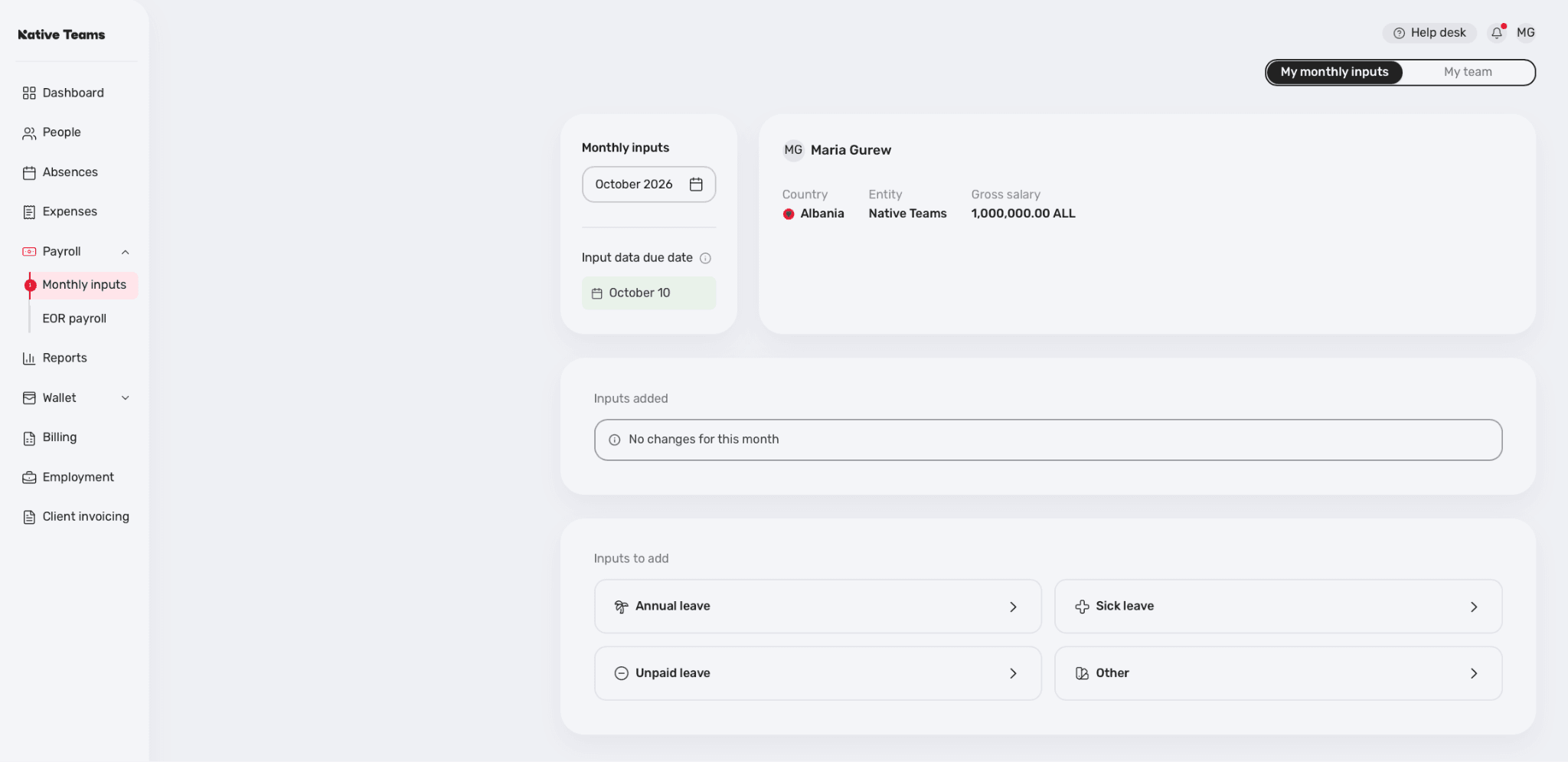
Under "Inputs to add," choose the type you need — Bonus, Overtime, Expense, or the relevant leave type — and fill in the details. (As an employee, you can also add these yourself from Payroll on your own account.)
Submit the input before the 10th of the month to have it included in that month's payroll; anything submitted after the cut-off is processed in the next cycle.
A change to the base salary works a bit differently, since it requires a contract addendum — this isn't a self-service app input. Contact us with the details, and our legal team will prepare the addendum for both parties to sign, effective from the agreed month.



 New
New


