Sending money from your Native Teams wallet — whether to yourself or to someone else — follows a single, consistent flow:
Go to the wallet section in the Native Teams app and click on the 'Send' option in your wallet.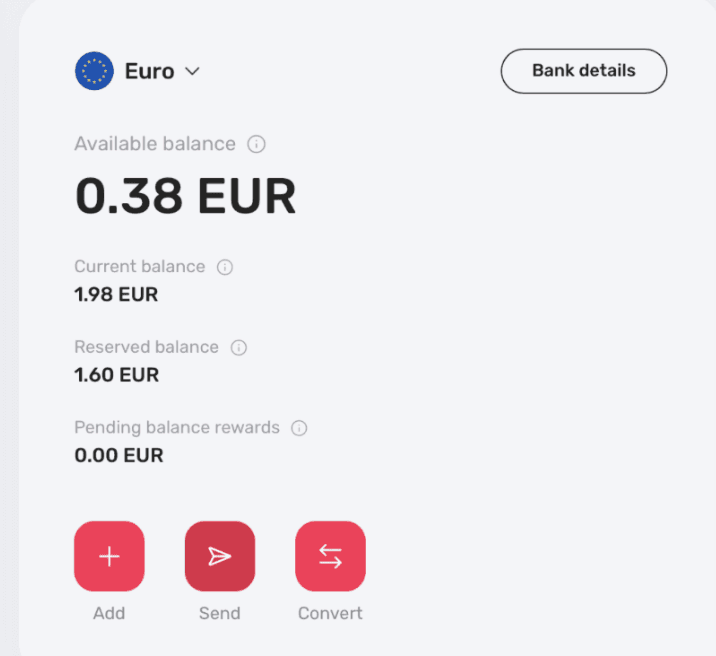
Click 'Send' from your wallet overview.
2. Choose who to send your money to — it can be an existing recipient, or you can add a new one. 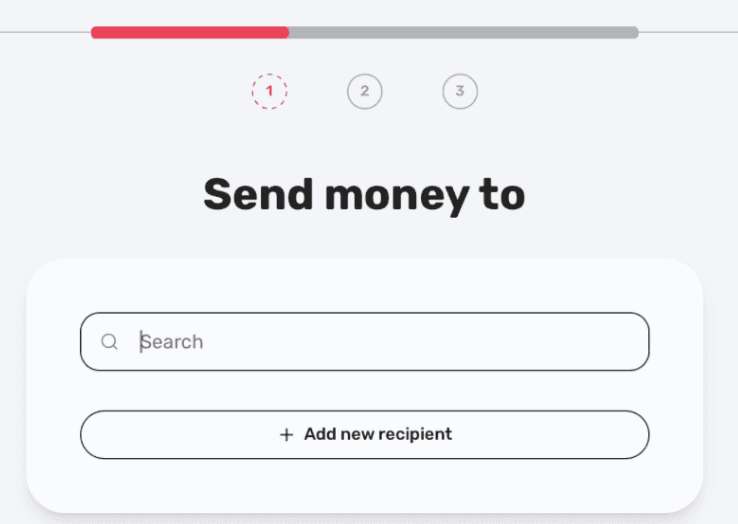
Search for a saved recipient or add a new one.
3. If you add a new recipient, fill out the required account information (IBAN or local account, account holder name, currency, and personal details).
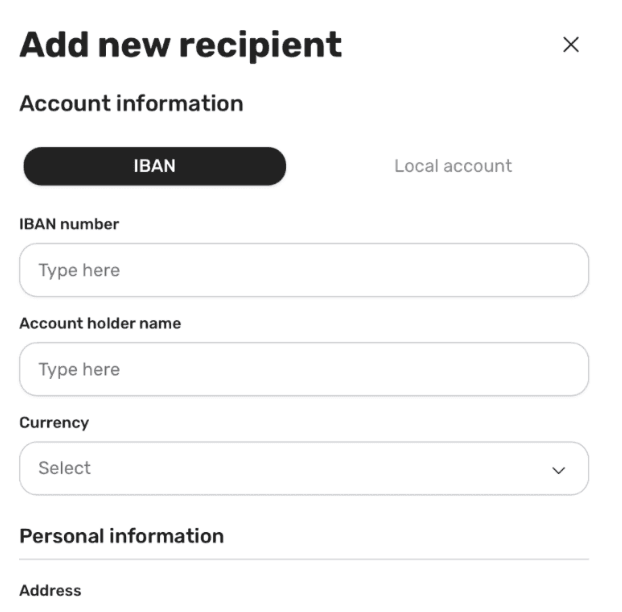
New recipient form — account and personal information.
4. Select the payment method — wallet, bank, or card.
5. Add the amount. You can choose the currency you pay with and the currency the recipient receives — the app automatically calculates the conversion rate and the exact amount they'll get.
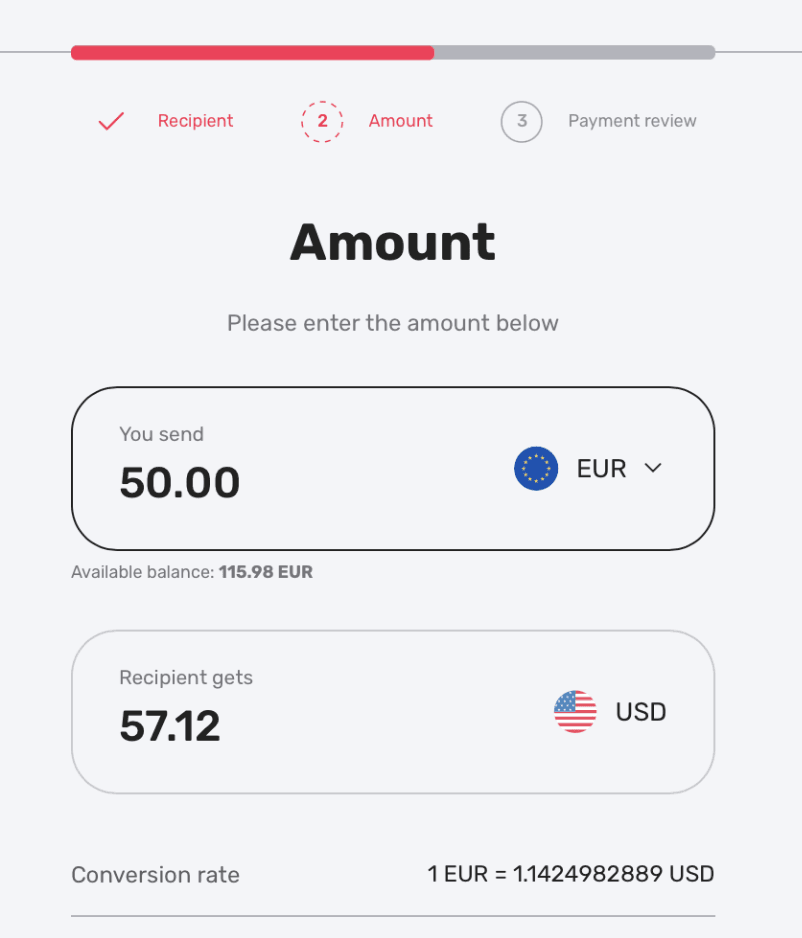
The app shows the live conversion rate and the exact amount your recipient will receive.
7. Confirm everything and proceed with sending the payment.



 New
New


